My project cards had labels set at 8.8 pixels, on every screen size.
I had reviewed those cards many times, always on a big monitor. The old studio habit is to print the page and hold it at reading distance. I had stopped doing the phone version of that.
The fastest check is one line. It finds every font size under 0.6rem, which is under 9.6px at a 16px root:
bash
grep -rnE 'font-size:\s*0\.[0-5][0-9]*rem' srcIt found my labels in seconds. For what the browser actually renders, paste this into the console at 390px wide:
js
const walk = document.createTreeWalker(document.body, NodeFilter.SHOW_TEXT)
while (walk.nextNode()) {
  const el = walk.currentNode.parentElement
  const px = parseFloat(getComputedStyle(el).fontSize)
  if (walk.currentNode.textContent.trim() && px < 11) console.log(px, el)
}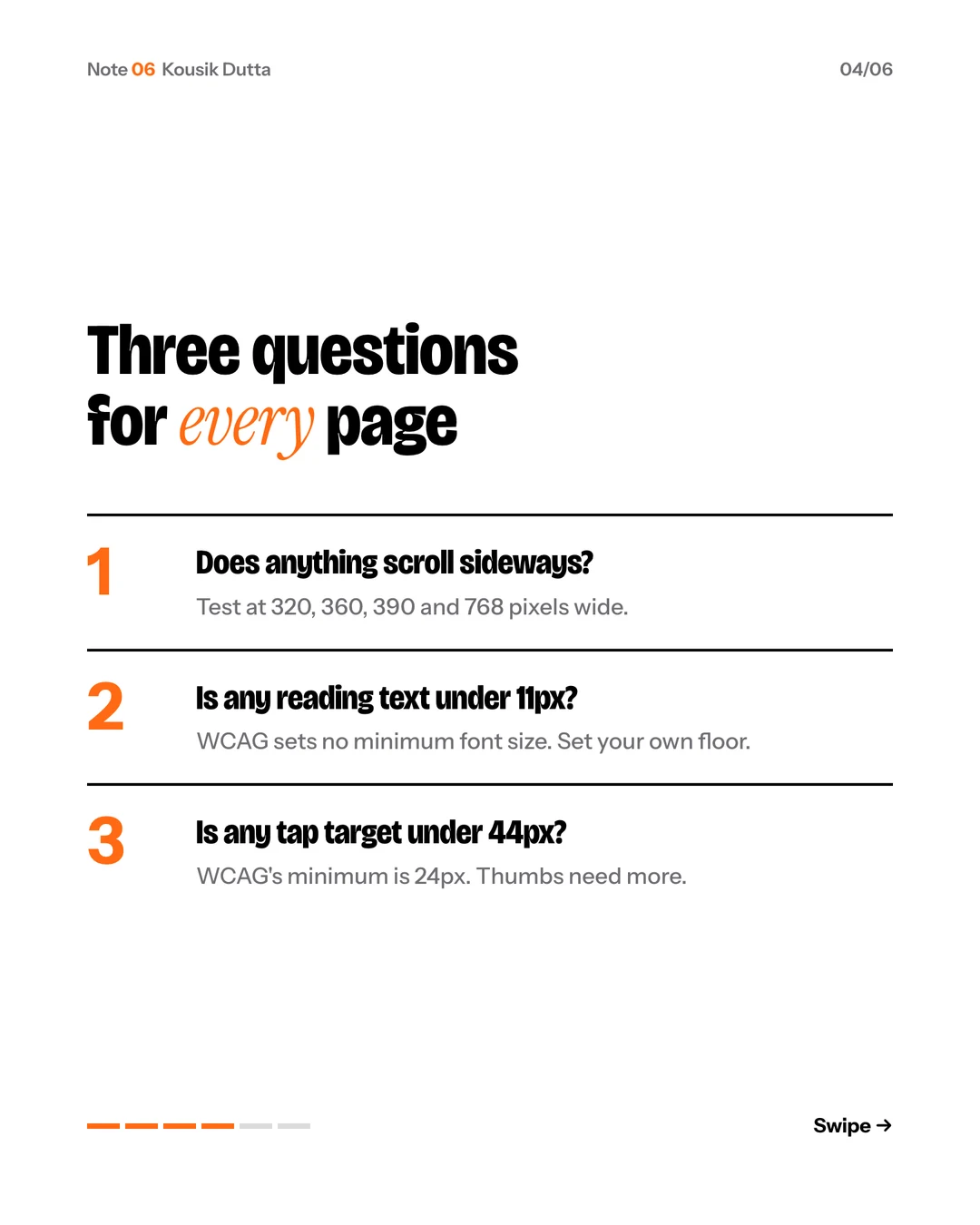
WCAG sets no minimum font size, so the floor is yours to set. I set mine at 11.
Want it as slides? Download the carousel.
The takeaway
The smallest type on the page is the type you checked least.
Was this useful? Your pick is saved on this device and counted anonymously.