The brief was a desktop port. Research found six jobs.
On a phone, people weren’t browsing dashboards. They checked a number, asked a follow-up, filtered it, acted on it, got alerted when it moved, and shared it, in the few minutes between meetings. I designed for exactly those.
Problem
A phone is not a smaller desktop.
The brief was to shrink desktop analytics onto a phone. On the phone you could look at a metric, but any real change waited for desktop.
- Nine months to keep enterprise depth without copying desktop.
- I ran discovery before designing anything.
What I found
Six jobs worth a phone.
An anonymous public prompt drew 23 responses. Seven customer interviews followed, from chief executives and CFOs to the analysts who report to them. Together they broke the desktop-port assumption.
- Follow-up sessions with customers and internal stakeholders tested the flows.
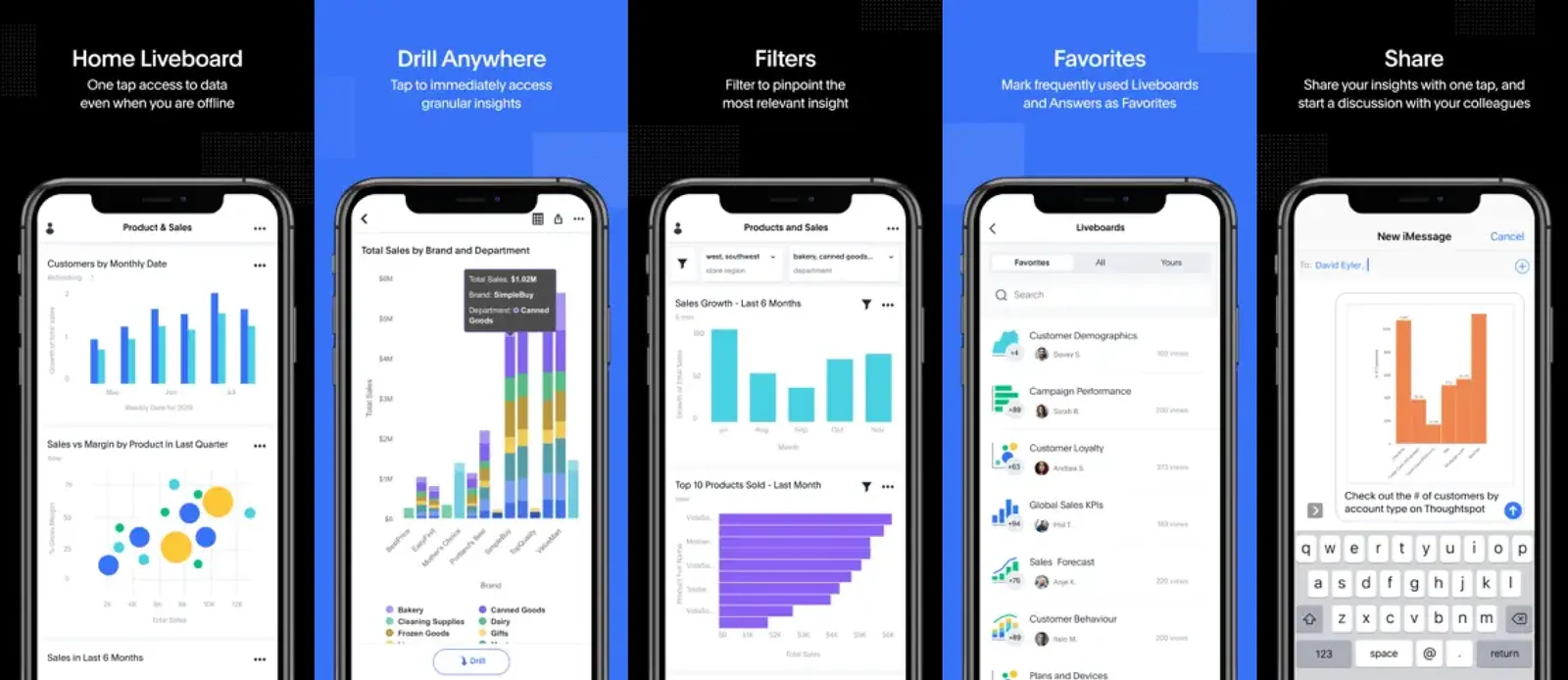
- Check. Open on a KPI watchlist with trends, read in seconds.
- Ask. Show every voice state, so people trust the answer.
- Filter. Keep advanced filters open with the results in view.
- Act. Edit watchlists on the phone, with an undoable delete.
- Alert. Let a KPI that moves come to you.
- Share. Send an insight into a message thread, in the app.
What I decided
Act on the number before the meeting ends.
The watchlist was view-only, so every edit waited for desktop. I put the check and the action in one reachable flow: trends when it opens, then add, edit, and a guarded delete.
- Open on pipeline, SEO traffic, and conversion, each with its trend.
What it cost
Thumb reach also puts delete within easy reach, so recovery became a product requirement.
Proof
Shipped as the default Watchlist screen with trend-aware KPI rows.
What I decided
If the system is thinking, say so.
Between meetings, asking out loud was faster than typing. People would only trust it if every state was visible before the answer arrived.
- More than 30 rounds on progress and recovery.
- No single spinner standing in for every state.
What it cost
The states hold up. The time split doesn’t: voice got more iteration than its daily use justified.
Proof
Shipped as five distinct progress and recovery states.
The five voice states
- Idle. Before a query starts. The microphone is ready but not listening yet.
- Listening. Capturing speech, with visible feedback that it hears you.
- Thinking. Working on the answer. It looks different from listening, so nobody mistakes it for a stall.
- Success. The answer, with a way to act on it.
- Error. It says so plainly and offers a way back. No silent failure, no endless spinner.
What I decided
Narrow the question. Never lose the answer.
I put page, modal, and hybrid filters head to head. The hybrid won because the result stayed on screen while the question changed.
What it cost
Filters and results each get less room.
Proof
The hybrid layout shipped without a full-screen context swap.
What shipped
Six jobs, one native app.
Shipped together on iOS and Android. The app won Best in Mobile Cloud Solution at the 2023–24 Cloud Awards. It is a product and team award.
Monthly active use
Team-reported, after the release, at product level. Not a controlled study.
New installs
Team-reported, in the release window. Dates and baseline aren’t published.
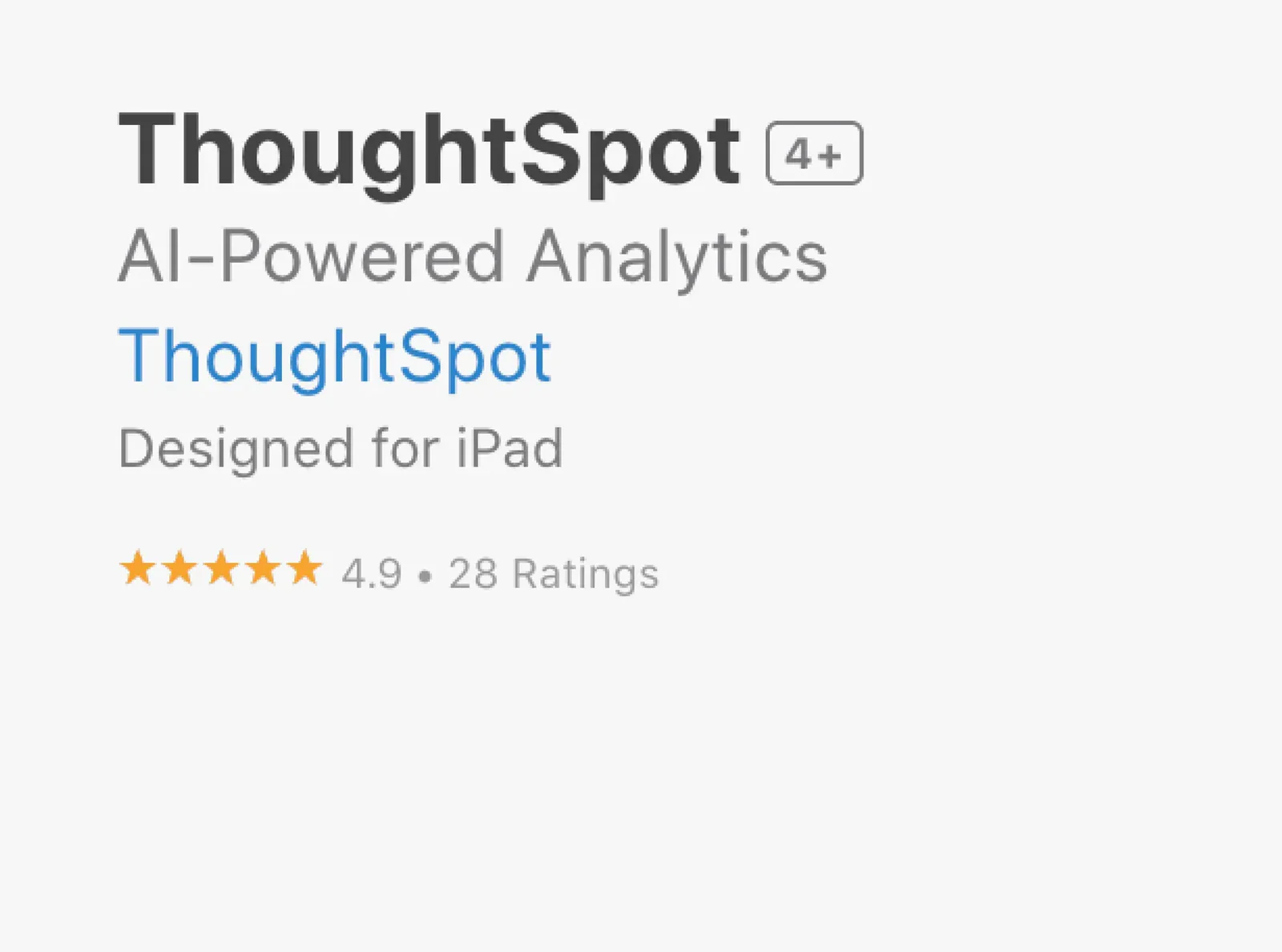
See the store listings, before and after
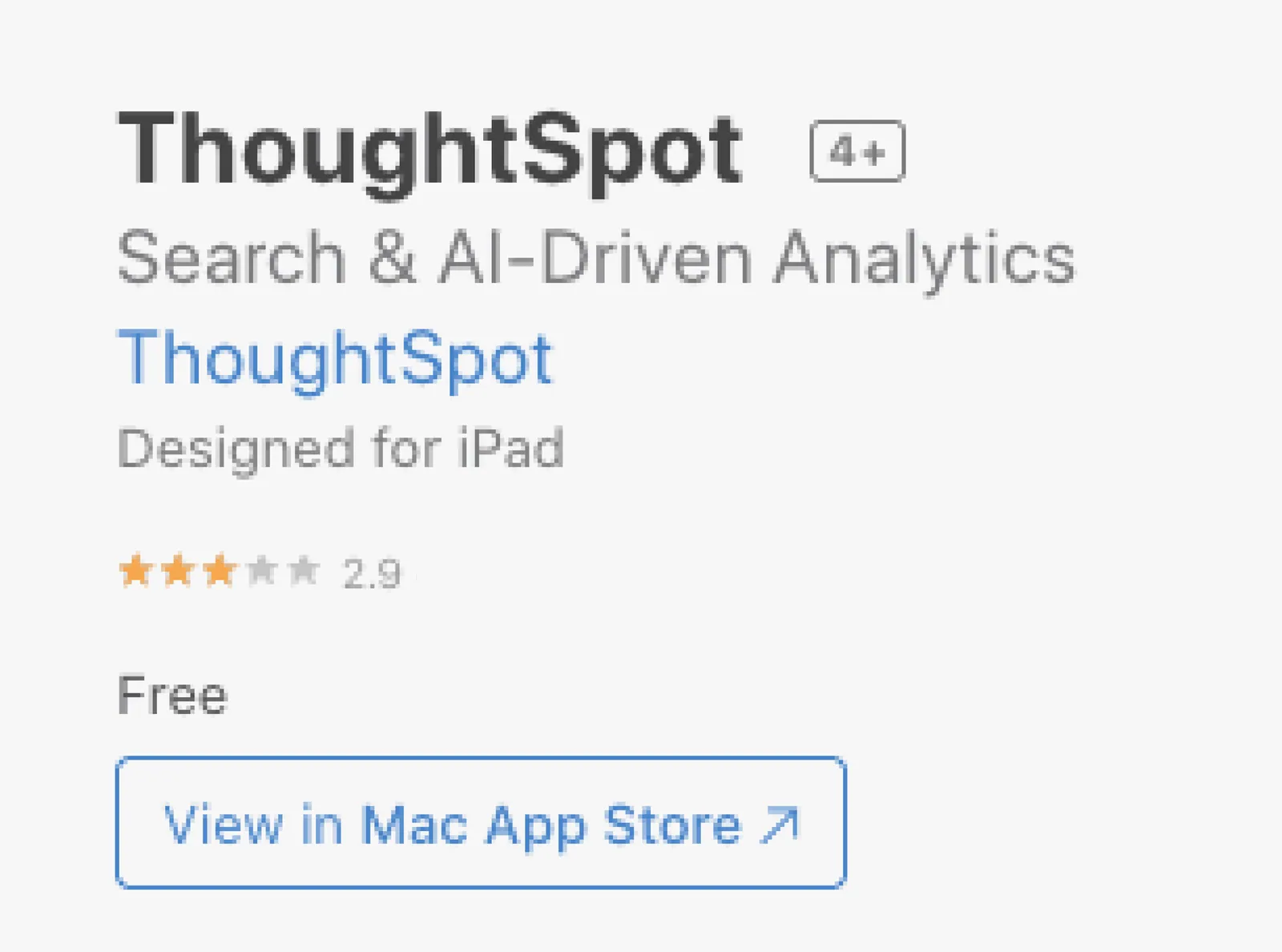
App Store, before.
App Store, after.
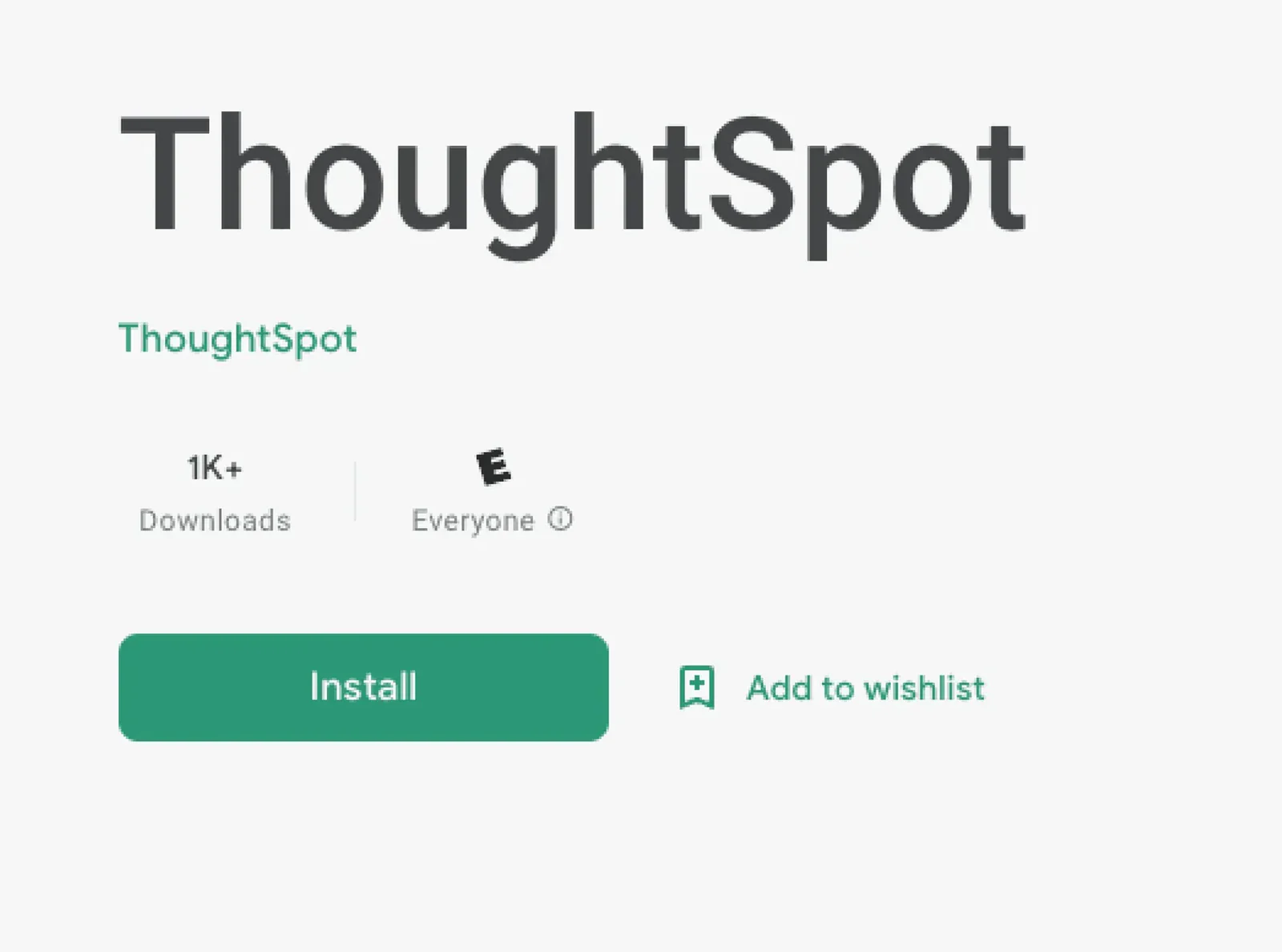
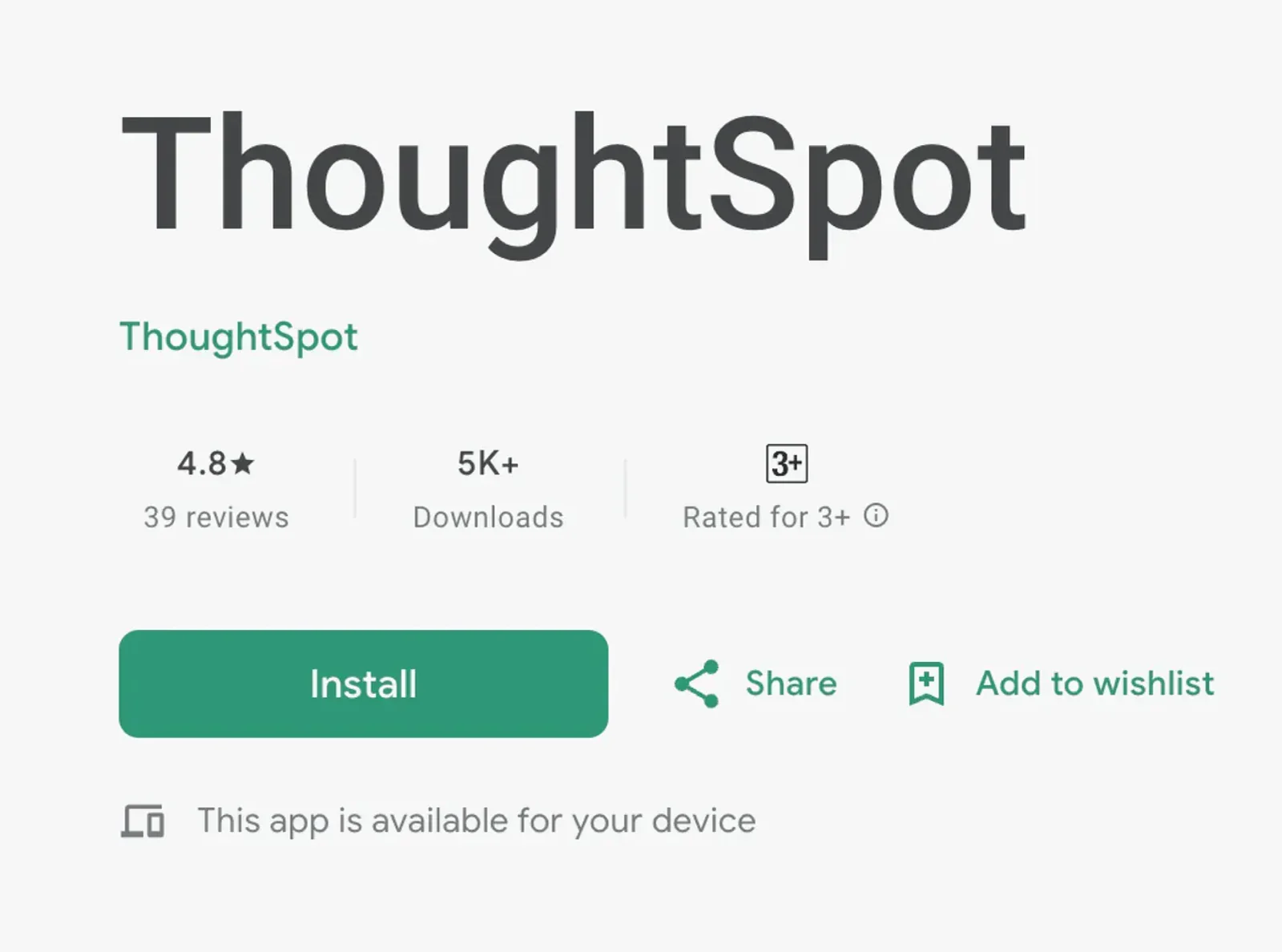
Google Play, before.
Google Play, after.
In these screenshots the App Store rating went from 2.9 to 4.9 across 28 ratings, and Google Play shows 4.8 from 39 reviews. Small samples, a renamed listing, and I left as the redesign wrapped up, so I don’t credit the rating to the redesign alone.
Looking back
Next, I define failure before launch.
Next time I’d write down before launch what failure looks like: the goal, the signal, one guardrail. I’d give response time a hard budget, 100 ms for feedback and 400 ms for flow, measured on real devices. And I’d give accessibility a method from day one: the voice states leaned on color and audio cues, and I never documented contrast, focus order, or a screen-reader path.
Beyond the brief, I went to customers and analyst communities before anyone wrote a design brief, and what I found changed it. I also took on the store listing and launch material, because the listing is the first screen a potential user sees.